
Tutorials
How to Synchronize Subtitles in a movie tv show on iptv Smarters
24
May
May
How to Synchronize Subtitles in a movie tv show on iptv Smarters
You certainly downloaded the subtitles to your VOD but it isn’t synchronized. it’s really easy to fix, Just open your video and click on the three points top right of the screen, and select Subtitle:
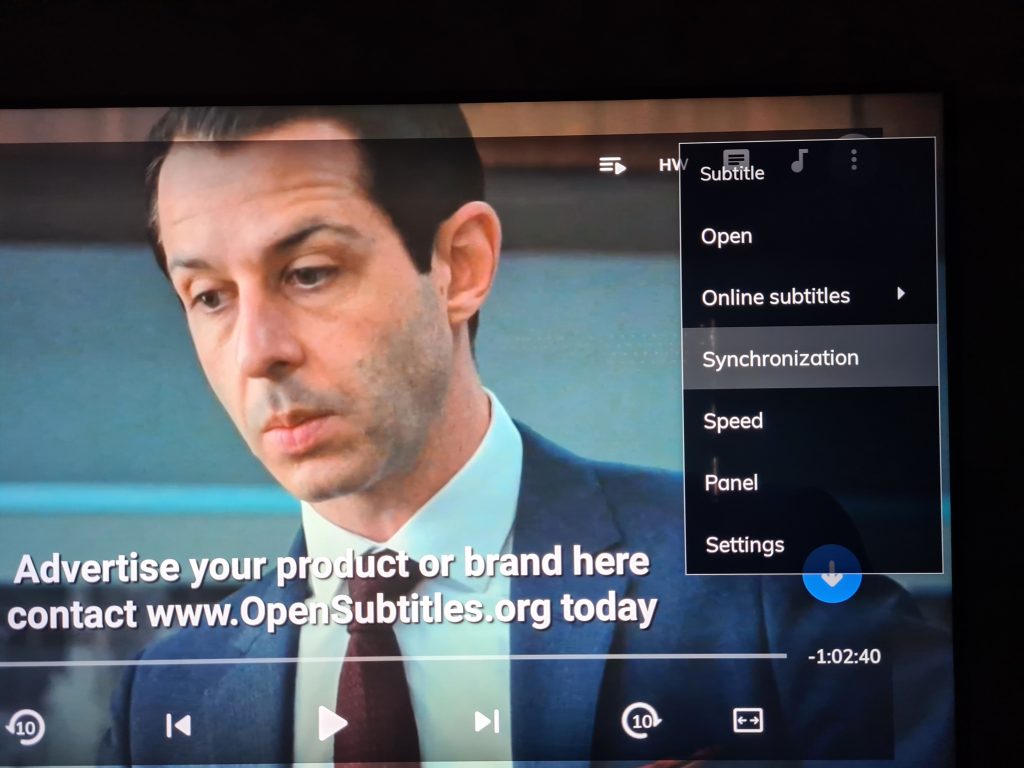
Once the Subtitle is clicked, select Synchronization :
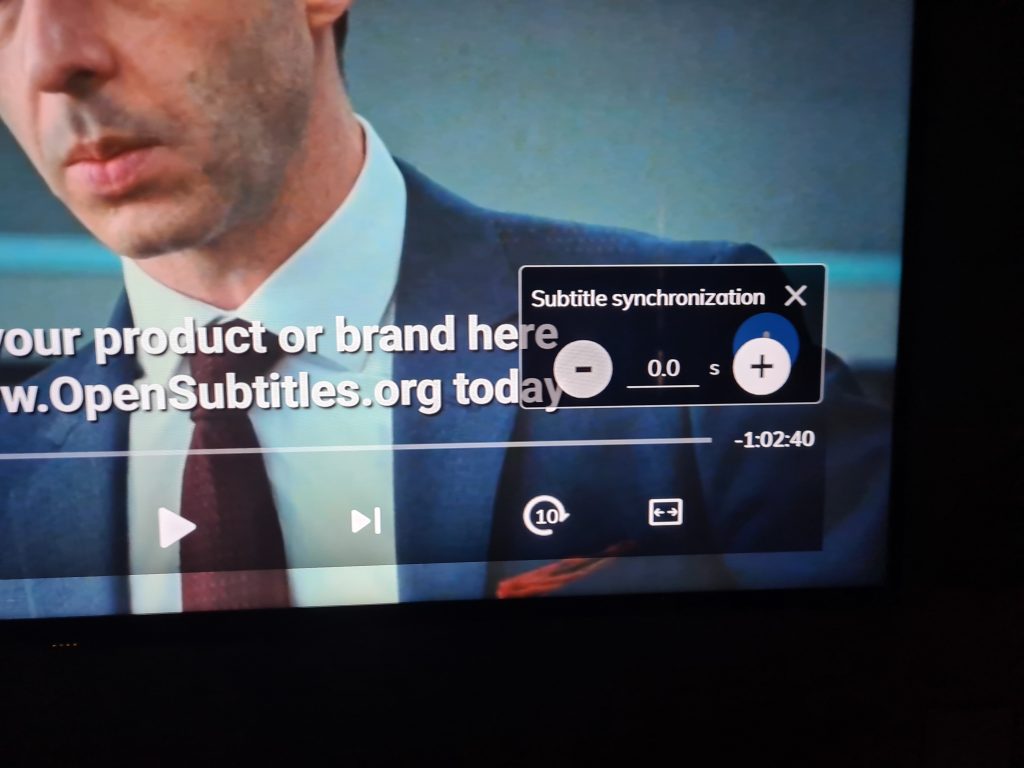
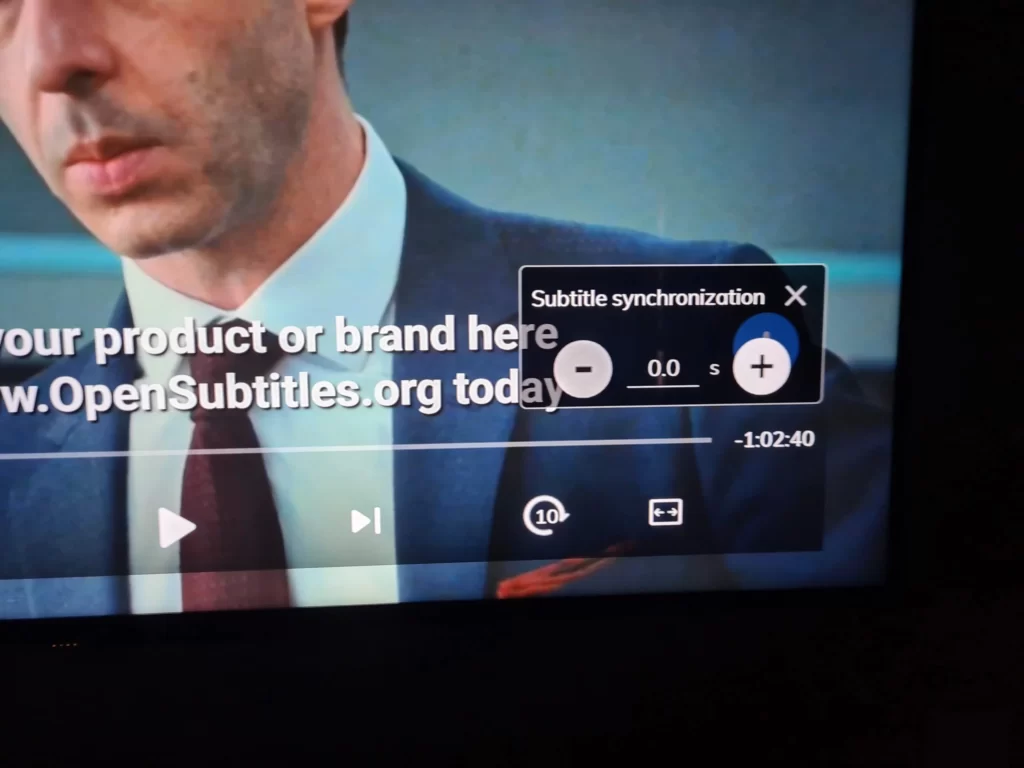
You will see a little window that will help you sync the subtitles with the video.
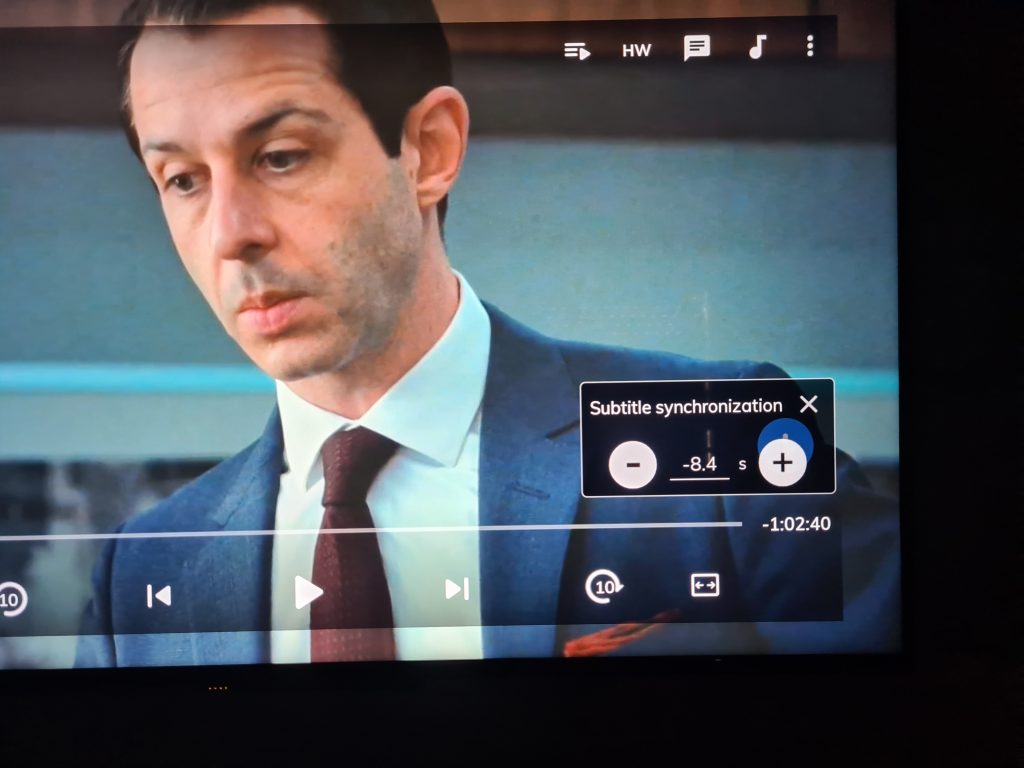
Now you could either push next or pull back the subtitles to match exactly your video. You can keep doing it to while the video is playing.
