
Tutorials
Best Way to Watch IPTV on Firestick using IPTV Smarters (Updated 2025)
May
IPTV Smarters on Firestick
So, Guys, I’m presenting you the perfect and easy way to watch our IPTV on your Firestick. The Steps are easy:
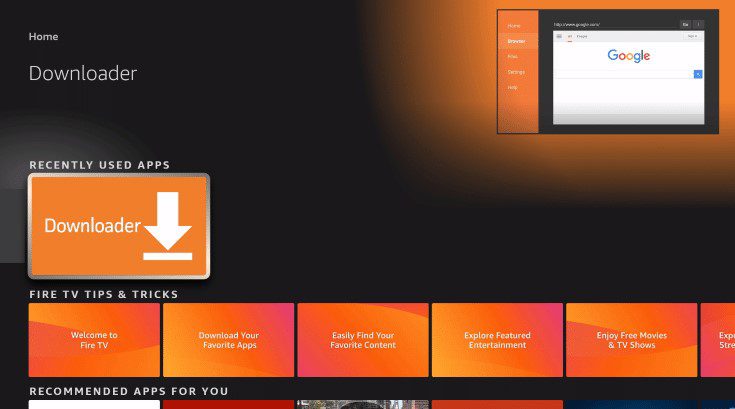
1- install the downloader app on your Firestick and turn on Apps from Unknown sources in the settings of your streaming device.
If you never did this before, please refer to the latest easy steps in our tutorial:
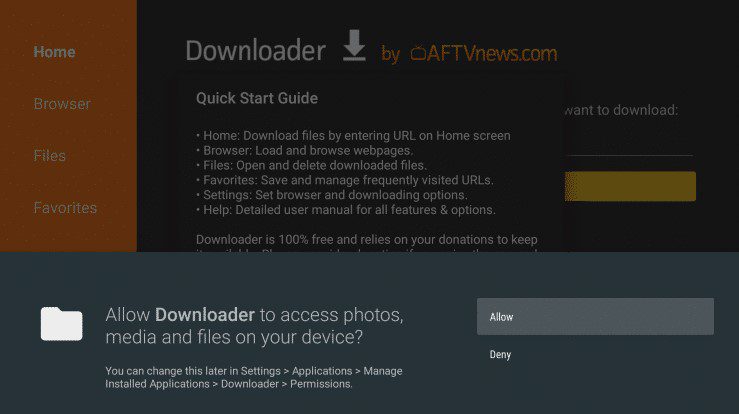
2. Click Allow.
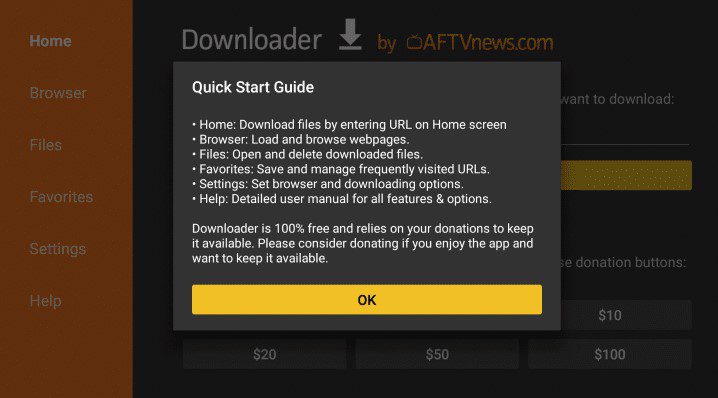
3. Click OK.
4. Place your cursor in the URL box and click the OK button on your remote to open the keyboard.
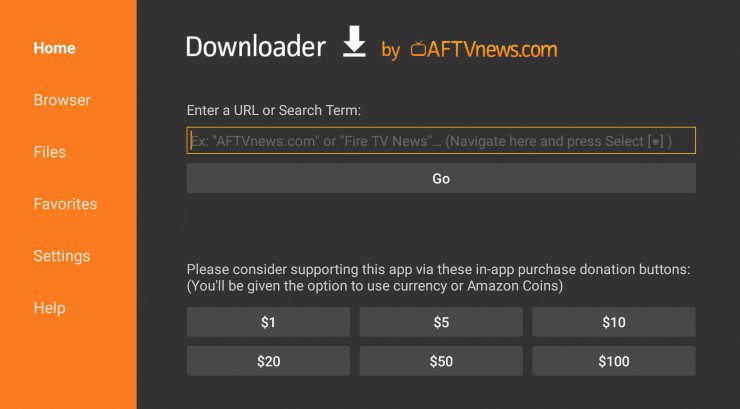
5. Type the following URL exactly as shown here: https://plustvreseller.com/smarters.apk and or download app from here smarters, click Go.
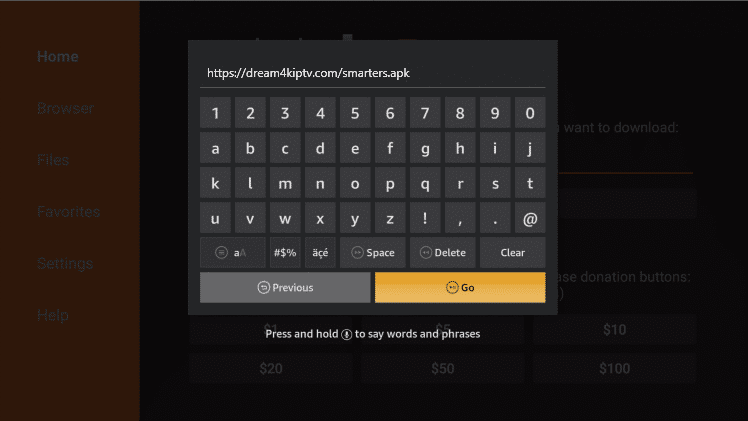
6. Wait for file to download.
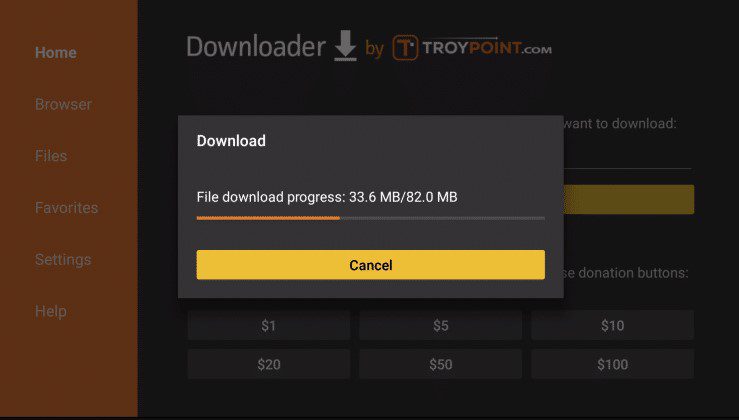
7. Click Install.
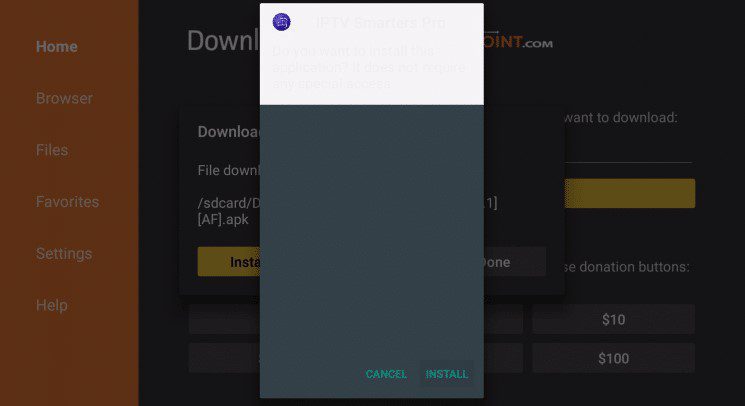
8. Click Done.
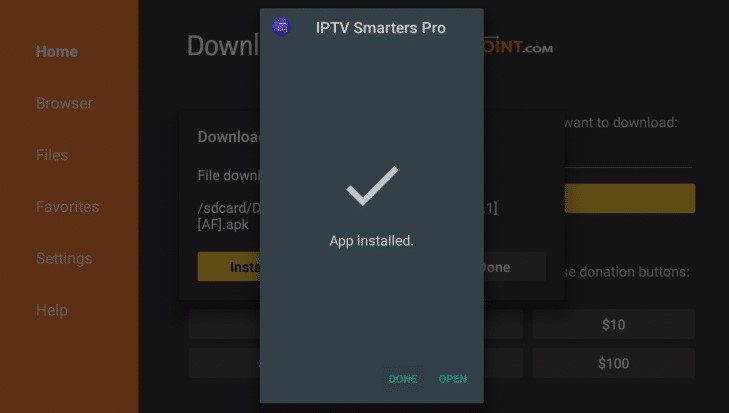
9. This will take you back to Downloader. Click Delete.
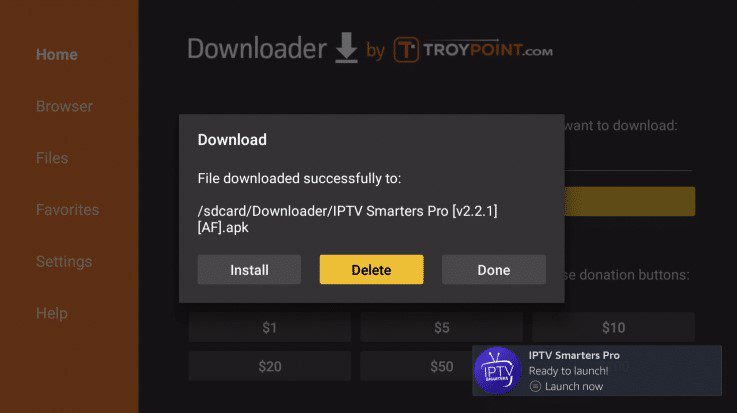
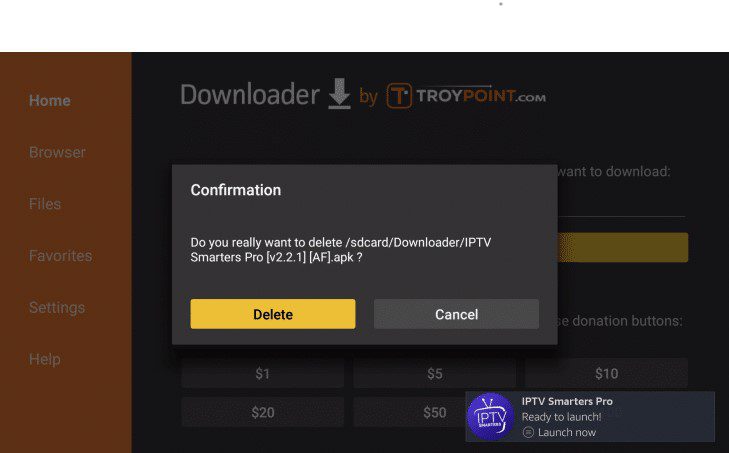
10. Click Delete again.
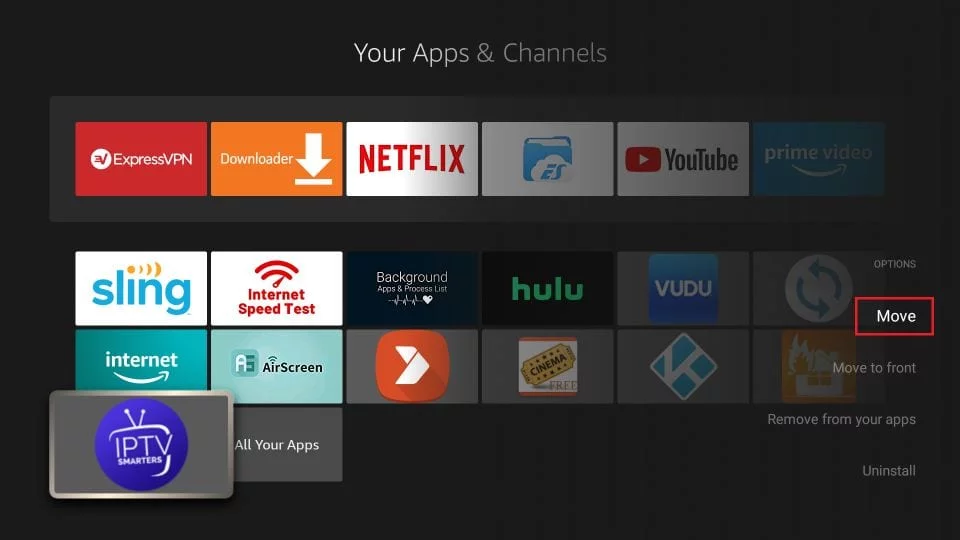
11. Return to device home-screen and under “Your Apps & Channels” click See All.
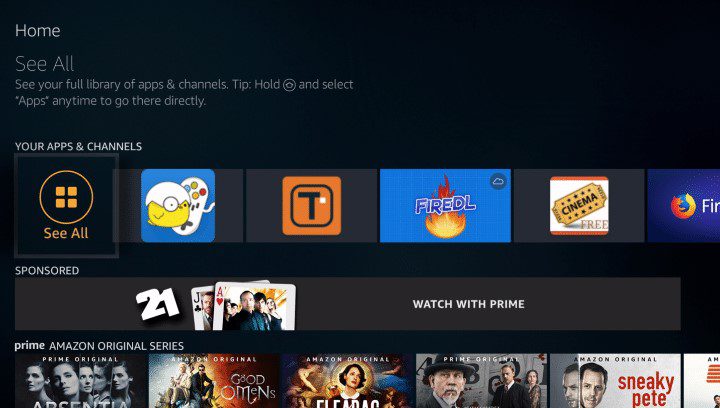
12. Scroll down to hover over IPTV Smarters.
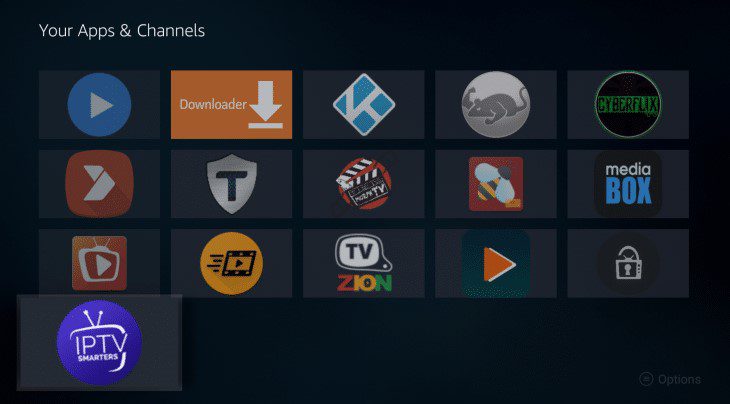
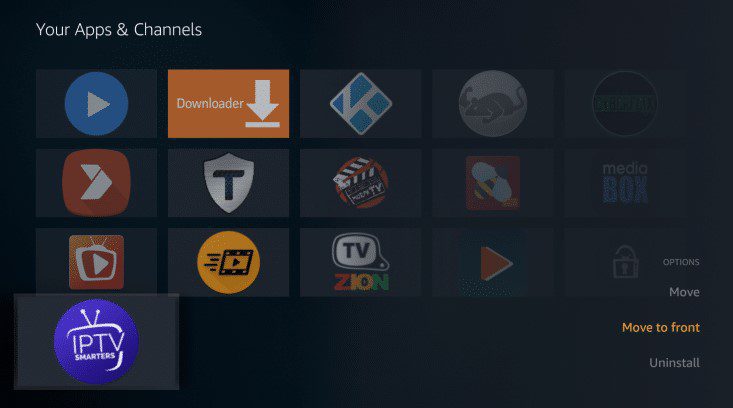
13. Click the Menu button on the remote (3 horizontal lines), then click Move to Front.
Once installed, open the app and select ‘connexion avec l’api stream code‘. Then enter the credentials we will send you.
Have a great day !
