
Tutorials
How To Install Downloader App on Firestick/Fire TV
24
May
May
How To Install Downloader App on Firestick/Fire TV
1. From the Device’s Main Menu scroll to hover over Settings
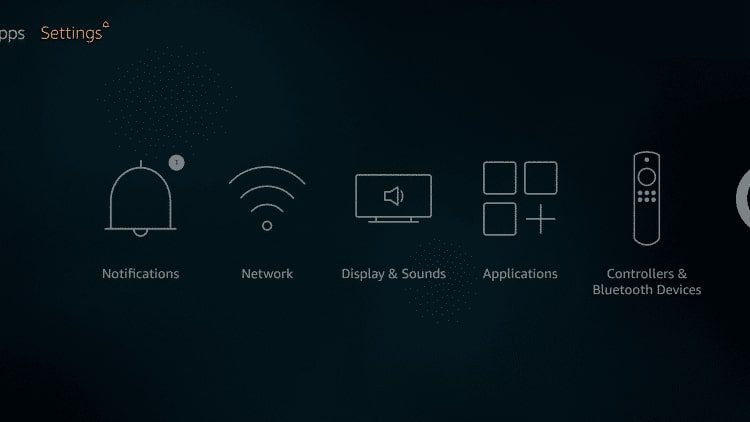
2. Click My Fire TV
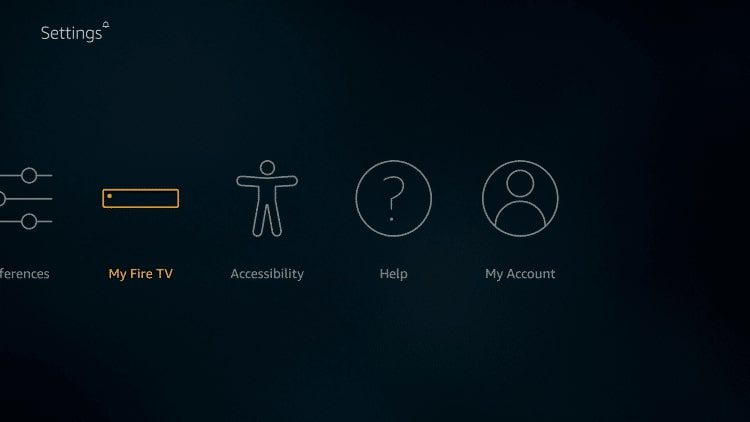
3. Choose Developer Options
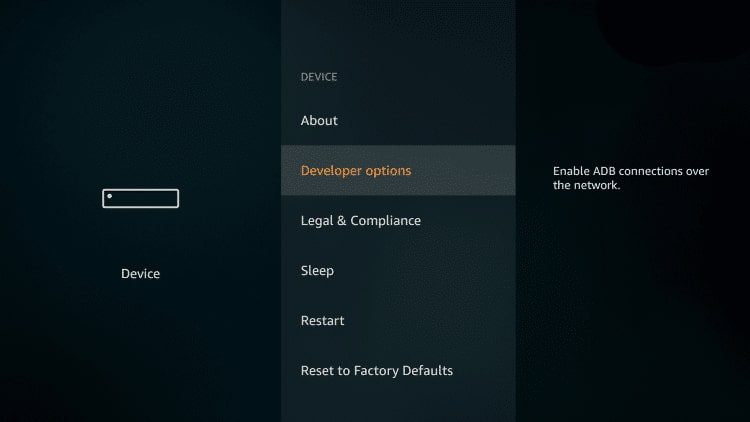
4. Click Apps from Unknown Sources
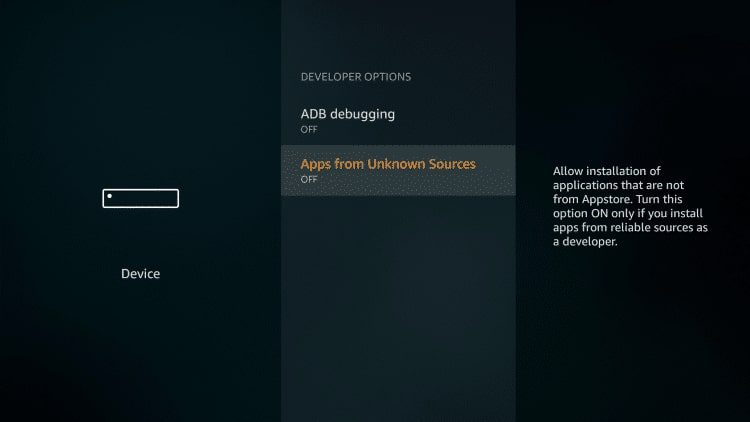
5. Choose Turn On
NOTE: Turning on Unknown Sources is not needed to install Downloader. However, to install any 3rd party applications via Downloader, this must be enabled.
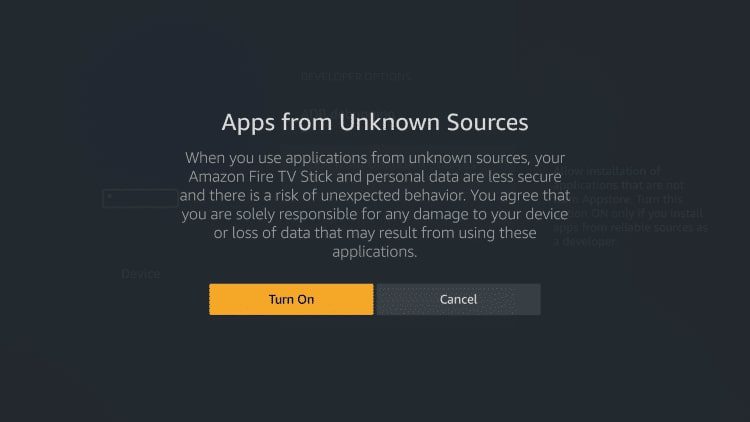
6. Return to the home screen and hover over the Search icon
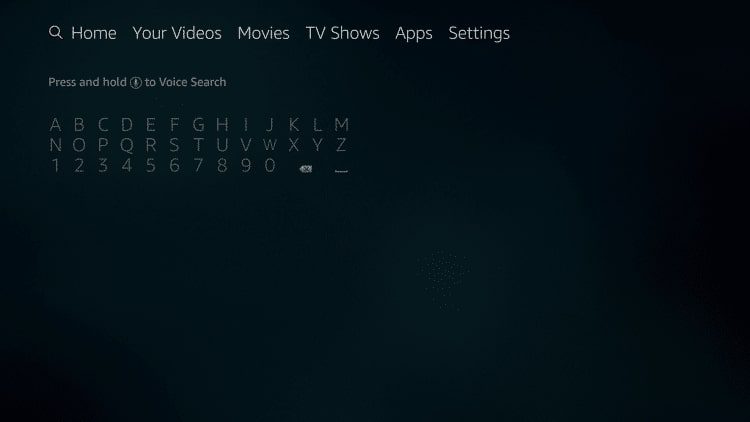
7. Type in Downloader
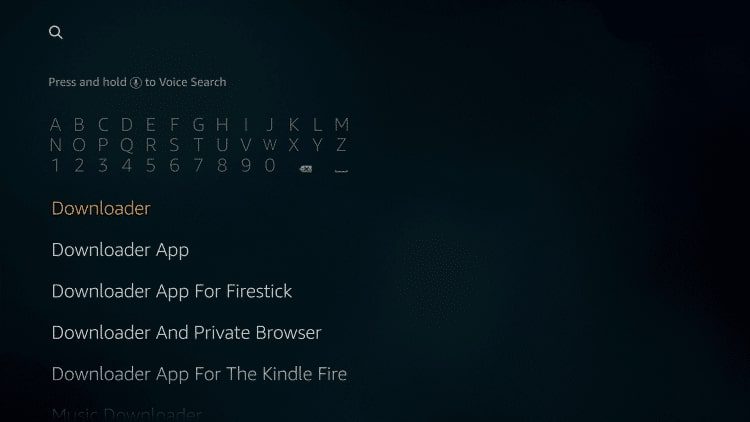
8. Select the Downloader app
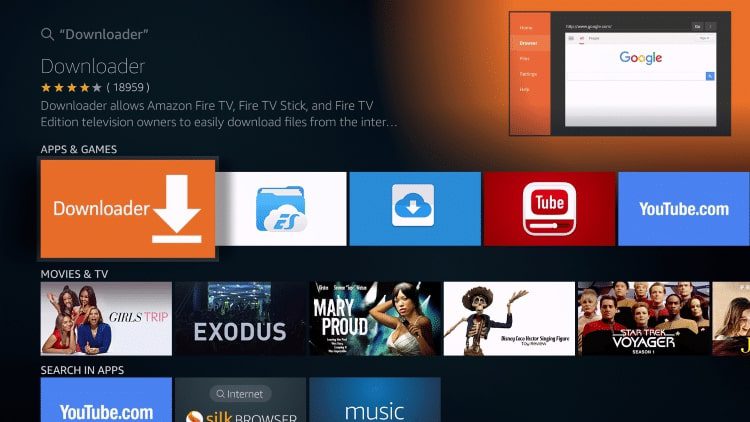
9. Click Download
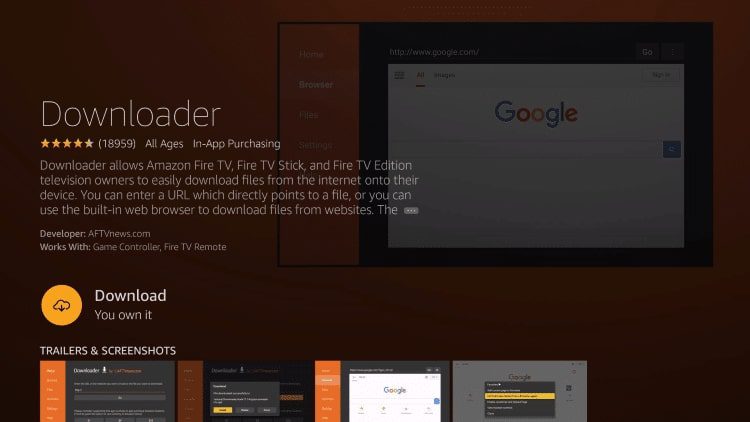
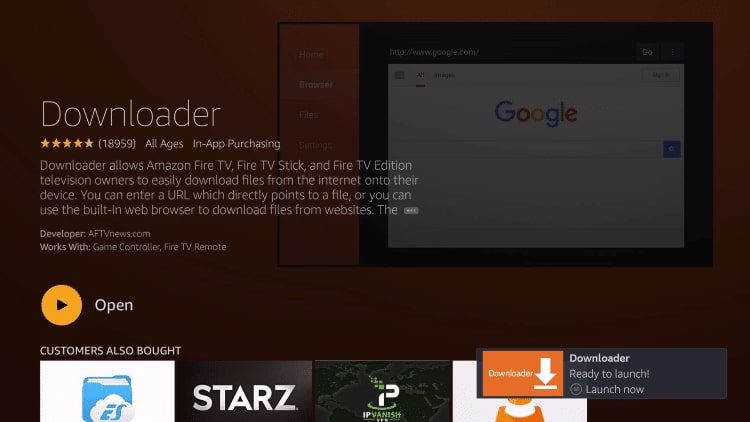
10. Click Open
11. Click Allow
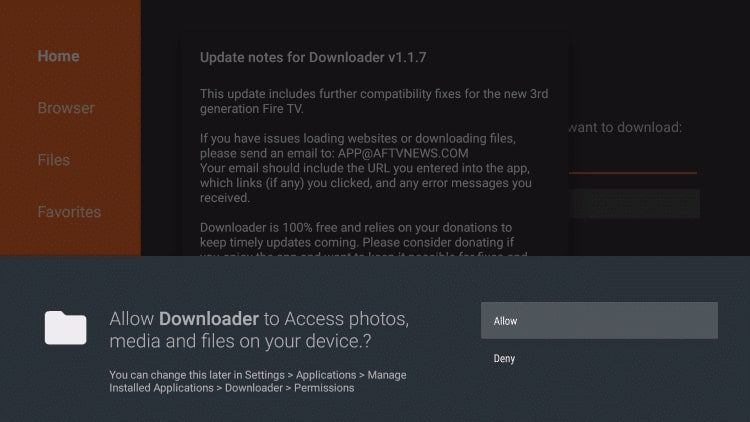
12. Click OK
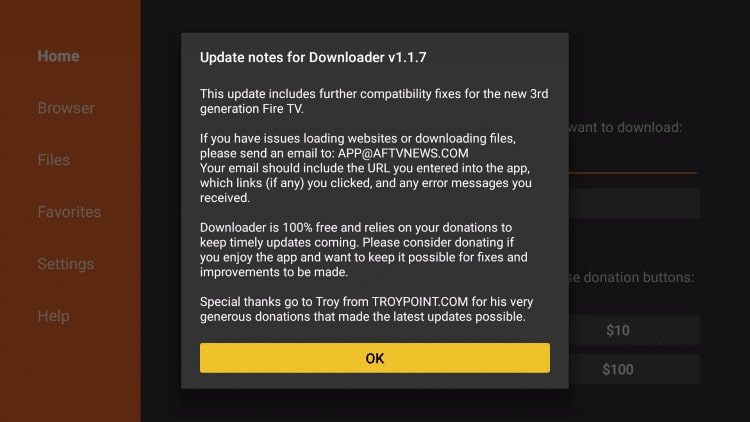
That’s it!
To use all features of this app, I also suggest Enabling Javascript within the Settings of the application:
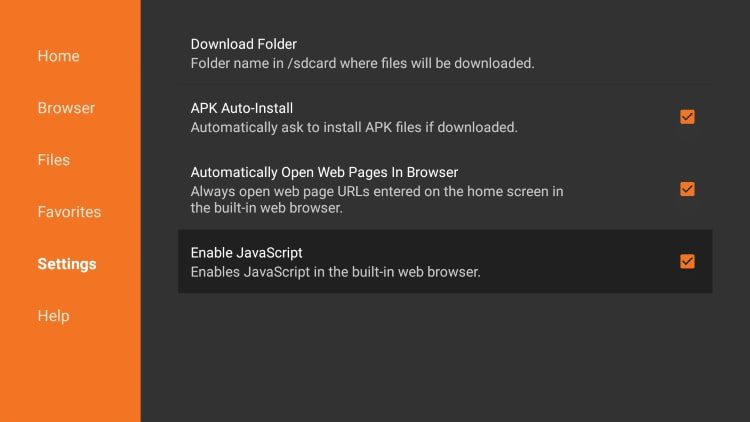
You can now use Downloader to Install apps and APKS with ease.
Watch Also How To Jailbreak Firestick & Fire TV (Updated June 2025)
